

Coordinating on a flawed model means wasting time on false clashes and missing real ones. Before any clash run or meeting, the first step of a coordination cycle is checking the uploaded models.
What to check at every upload
- Georeferencing: shared origin, orientation, units.
- Levels: names and elevations as per the BIM Execution Plan.
- Model breakdown: one model per trade and zone, as agreed.
- Classification: each object in the right category and type.
- Properties required at the current stage.
- Duplicates and objects outside the zone.
- Revision: the right revision, correctly named, in the CDE.
Automate what you can
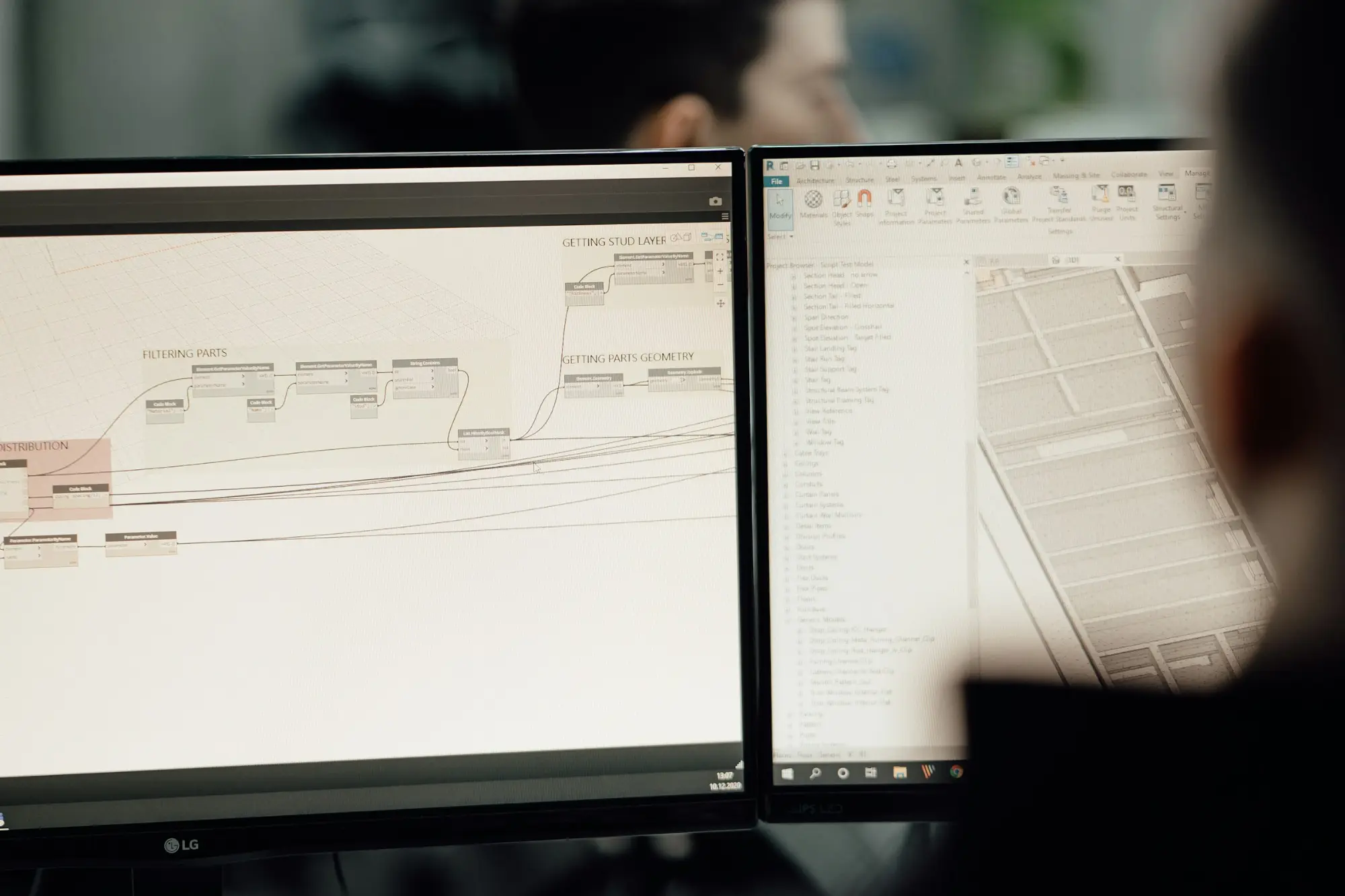
Much of this can be scripted: rule sets in a tool such as Solibri, Dynamo routines in Revit, standard checklists. Automation does not replace a coordinator’s judgement, but it makes checks systematic and fast.
Feed back quickly and clearly
A check is only worth something if the trade receives precise feedback quickly: what is wrong, where, and what is expected. A short report with located views works better than a long spreadsheet.
Track progress
Tracking the share of models compliant at first upload, trade by trade, quickly shows where the difficulties are and where support is needed.
Model checking is part of our BIM coordination and BIM management services.