


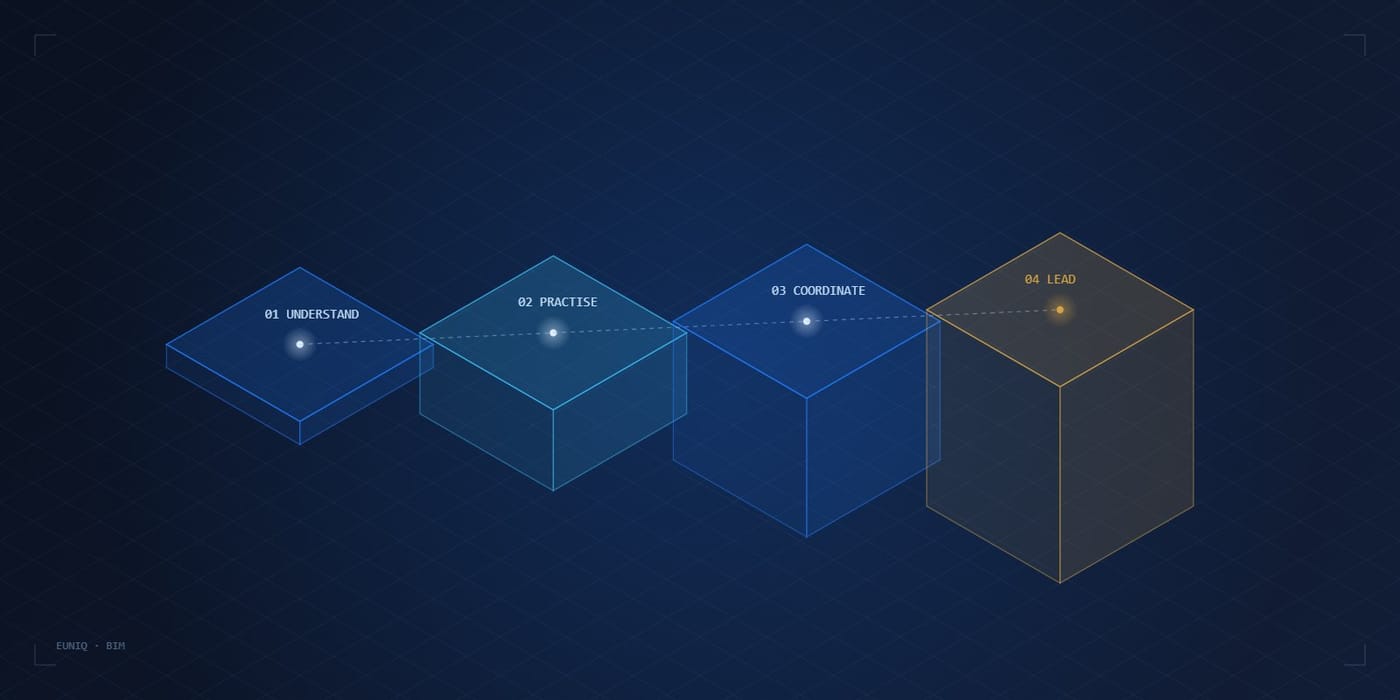
Many companies have trained their teams in BIM without seeing lasting change on their projects. The reason is rarely the participants’ ability. More often, the training covered software when the need was method, or it was too far removed from real projects to be applied the following Monday.
Train by role, not by software
Not everyone needs the same skills. Useful training starts from what each person has to do on a project:
- Leadership and client teams: understand what BIM can deliver, write or review information requirements, know what to ask for and check.
- Project managers and engineers: read a BIM Execution Plan, run a model review, use coordination results to make decisions.
- BIM managers and coordinators: organise exchanges, federate models, run clash detection and BCF tracking, check deliverable quality.
- Technicians and modellers: produce models that meet the standards, with the right data at the right level of detail.
- Site teams: use the model on site, check openings, report discrepancies.
Start from the company’s own projects
Exercises on demonstration models have their limits. Working on a current or recent project, with its real documents, formats and difficulties, makes training immediately usable. It is also an opportunity to spot what is holding the current organisation back.
The content that matters
- The fundamentals: what a model is, what an object contains, the role of IFC and BCF.
- The ISO 19650 framework: information requirements, BIM Execution Plan, common data environment.
- Coordination: federated models, clash detection and triage, running a coordination meeting.
- Quality: data checks, naming, revisions, approval points.
- Tools, in support: Revit, Navisworks, Solibri, IFC viewers, depending on the role.
A format that fits project schedules
Short, closely spaced sessions work better than a full week from which little is retained. Between sessions, participants apply what they learned on their project, then we come back to what got stuck. For more advanced teams, support on a live project alongside an experienced coordinator can usefully replace part of the classroom training.
Check that the training works
The right indicator is not a satisfaction survey score. It is what changes on projects: models delivered to standard, shorter coordination meetings, fewer repeated discussions on the same issues. Setting two or three observable criteria before the training makes it possible to measure its effect afterwards.
Our approach
Our training draws on BIM management and design coordination work carried out on real projects. It is tailored to each team, delivered in-house and on your own projects where possible. Details of our services are on our Services page. For full course outlines (BIM project manager, Revit, Navisworks, AI), see our BIM training courses.